
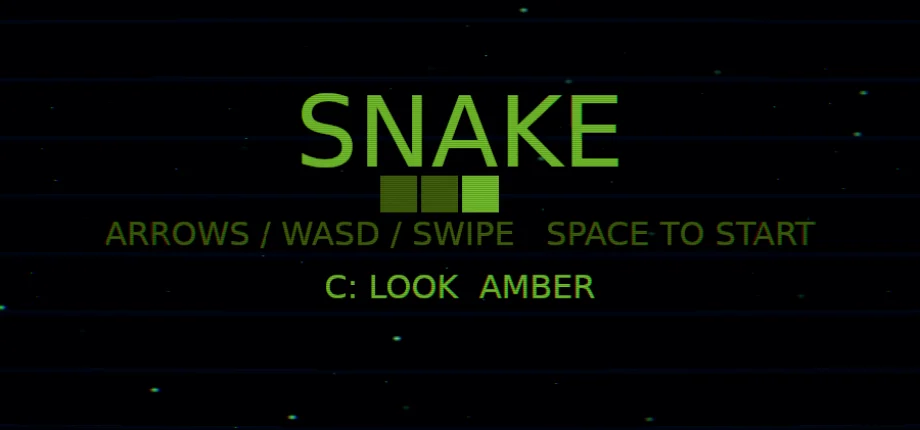
SNAKE
by Qlaybit
About
Arcade
Eat, grow, and don't hit a wall or yourself. Arrows or WASD, a gamepad, or a swipe.
Snake is an arcade game built by Qlaybit on Comet, its own engine written in Rust and compiled to WebAssembly. It runs in the browser and needs no install.
The game has four upgrades, and each one changes how the snake plays. The C key cycles through colour looks, which change the colours of the snake and the playfield.
How to play
The snake moves across a grid of 32 by 18 cells and keeps moving on its own. Steer it onto the food. Each piece of food adds one point to the score and makes the snake one cell longer.
The game ends when the snake runs into a wall or into its own body. Moving into the cell that the tail is leaving is allowed.
Each time the score passes a multiple of five, the game stops and offers three upgrades out of four. Calm makes the steps slower. Feast makes each food worth one more point. Wrap lets the snake pass through three walls. Trim removes three segments, but the snake never drops below three. Pick one with the keys 1 to 3, or by clicking its card.
The snake speeds up as the score rises. Each point shortens the time per step by 0.003 seconds, from 0.14 seconds down to a floor of 0.06 seconds. The Calm upgrade adds time back to each step.
The screen shows the current score and the best score. After a game over, press Space, Enter or click to play again.
Tip: direction presses are queued, up to two at a time, and each step uses one of them. Pressing the direction the snake is already facing, or the opposite one, is ignored.
Controls
- Arrow keys or WASD
- Turn the snake
- Gamepad D-pad
- Turn the snake
- Swipe
- Turn the snake
- Space, Enter or click
- Start, or play again after a game over
- P, Escape or gamepad Start
- Pause and resume
- 1, 2, 3 or click a card
- Choose an upgrade
- C or gamepad top button
- Change the colour look